What is an AI chatbot for a website and does a small business need one?
An AI chatbot is a chat box on your website that answers common questions and collects lead details. A small business needs one when visitors ask the same questions often, or when enquiries come after office hours. If you get few enquiries, a clear contact form may be enough.
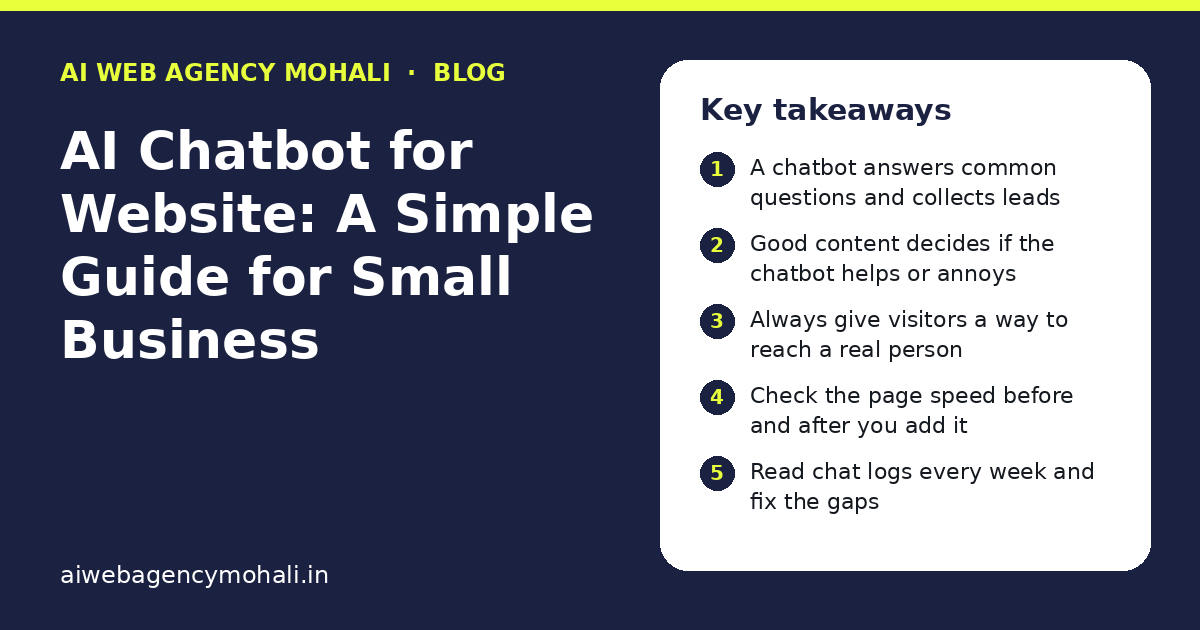
Key takeaways
- A chatbot answers common questions and collects leads
- Good content decides if the chatbot helps or annoys
- Always give visitors a way to reach a real person
- Check the page speed before and after you add it
- Read chat logs every week and fix the gaps
What is an AI chatbot for a website?
An AI chatbot is a small chat box on your website. A visitor types a question, and the chatbot replies in plain words. It can answer about your services, your timings, your location and your process.
Older chatbots only gave fixed answers from a menu. An AI chatbot can read what the visitor wrote and reply in a more natural way. It still needs good information from you. If you give it wrong or old details, it will give wrong answers.
For a small business in Mohali, a chatbot is most useful as a helper at the front door. It greets the visitor, answers the common questions, and collects the name and contact details of people who want to talk to you. You can read more about how AI work is planned in our guide on choosing an AI website development company.
Does a small business really need a website chatbot?
Not always. A chatbot helps when visitors ask the same questions again and again, or when people visit your site at night when nobody is free to reply.
It may not help if you get only a few enquiries a week and you can reply to each one quickly. In that case, a clear contact form and a fast reply are enough.
Ask yourself these questions before you decide:
- Do people ask the same five or six questions on calls and messages?
- Do you lose enquiries because nobody answers after office hours?
- Do visitors leave the site without writing to you?
- Do you have time to check chat leads each day?
If you said yes to two or more, a chatbot is worth a trial. A chatbot can also greet visitors on weekends and holidays.
What can an AI chatbot do on your website?
A good chatbot does a few jobs well. It does not try to do everything. Here are the jobs that matter most for small businesses.
- Answer common questions about services, timings, areas you serve and how your process works.
- Collect leads by asking for a name, phone number or email, and the need in one line.
- Guide visitors to the right page, such as a service page or a portfolio page.
- Pass the chat to a person when the question is hard or the visitor is upset.
- Work after hours so no visitor is left with an empty page.
Notice what is missing from this list. A chatbot should not give legal, medical or money advice. It should also not promise prices or dates that you have not approved. Keep it simple and safe.
How is an AI chatbot different from a normal contact form?
A contact form waits for the visitor to do all the work. A chatbot starts the talk and asks one small question at a time. Many people find that easier.
But a form is still useful. It is clear, quick and easy to check. Many good websites use both.
| Point | Contact form | AI chatbot |
|---|---|---|
| How it starts | Visitor fills fields | Chatbot greets the visitor |
| Answers questions | No | Yes, from your content |
| Works at night | Collects the message only | Can reply right away |
| Setup effort | Low | Medium, needs good content |
| Risk | Very low | Wrong answers if content is weak |
| Best for | Simple enquiries | Sites with many repeat questions |
Start with a good form. Add a chatbot when you see that visitors ask many questions before they write to you.
What should you prepare before adding a chatbot?
The chatbot is only as good as the content you give it. Prepare these items first.
- Write the top 15 questions your customers ask. Use real questions from calls, WhatsApp and email.
- Write a short, clear answer for each one. Keep each answer to two or three lines.
- List what the chatbot must never say, such as prices you have not shared or promises about results.
- Decide who will receive the leads and how fast they should reply.
- Choose a tone. Friendly and simple works best for most local businesses.
This work takes a few hours, but it decides if your chatbot is helpful or annoying. Do not skip it.
How do you add an AI chatbot to a WordPress website?
Most sites in India run on WordPress, so this is the common case. There are three usual ways.
- A chatbot plugin. You install it from the WordPress dashboard and add your content. This is the quickest way for a small site.
- A chatbot service. A third party tool gives you a small code snippet. You place it on your site, and the tool handles the chat.
- A custom build. A developer builds a chatbot that fits your business, your forms and your records. This takes more time and cost, but it fits better.
For a first trial, a plugin or a service is usually enough. If your business has special rules, such as booking, quotes or a customer login, a custom build may be better. Our guide to choosing a custom software development company in Mohali explains what to ask a developer.
How do you keep the chatbot from hurting your website speed?
A chatbot adds extra code to every page. If you add it carelessly, your site can become slow, and slow pages lose visitors and can hurt search results.
Use these simple rules:
- Load the chatbot after the main page has loaded.
- Show it only on pages where it helps, such as service and contact pages.
- Do not add two chat tools at the same time.
- Test the page speed before and after you add the chatbot.
- Check the site on a mobile phone, since most visitors use one.
If the page gets much slower after the chatbot, remove it or change the tool. A fast site matters more than a chat box.
What mistakes should you avoid with a website chatbot?
Most problems come from rushing. Here are the mistakes we see most often.
- No human fallback. The visitor gets stuck and leaves. Always give a way to reach a person.
- Too many popups. A chat window that opens on every page is annoying. Let it wait quietly.
- Old information. If your timings or services change, update the chatbot the same day.
- No checking. Read the chat logs every week. You will find what visitors really want to know.
- Collecting too much data. Ask only for what you need. Add a link to your privacy page.
Your site has a privacy policy page. Make sure it says that you collect chat details and how you use them.
How do you check if the chatbot is working?
Look at simple numbers each month. You do not need a big report.
| What to check | Why it matters |
|---|---|
| Number of chats | Shows if visitors use it |
| Number of leads from chat | Shows if it brings real enquiries |
| Questions it could not answer | Shows what content to add |
| Chats passed to a person | Shows where the bot needs help |
| Page speed | Shows if the bot slows the site |
Fix the top three gaps each month. In three months, the chatbot will be much better than on day one.
Want help planning an AI chatbot for your site?
If you are not sure where to start, look at our portfolio to see the kind of work we do, and read our blog for more simple guides. Then visit the AI Web Agency Mohali home page and send us your question. We are part of the team at Shivah Web Tech, which has 11+ years of experience and a 25+ in-house team. You will get a clear quote after a free call.
Frequently asked questions
How much does an AI chatbot for a website cost?
The cost depends on the tool you use, the number of questions it must handle and whether you need a custom build. A plugin costs less than a custom chatbot. We do not share fixed numbers here. After a free call about your needs, you get a clear quote with no hidden items.
Can an AI chatbot replace my sales team?
No. A chatbot is a helper for first replies and lead capture. It cannot build trust the way a person can, and it should not agree on prices or terms. Use it to save time on simple questions, and let your team handle the real talks.
Will a chatbot slow down my website?
It can, if it is added without care. The chat code loads on your pages and adds weight. Load it late, show it only on useful pages, and test the speed before and after. If the site becomes slow, change the tool or remove it.
Can a chatbot talk in Hindi or Punjabi?
Some tools can reply in more than one language, but the quality differs. Test the replies with real questions in the language your customers use. If the answers are poor, start with English and add other languages once you are happy with the results.
Is it safe to collect customer details in a chatbot?
It is safe if you ask only for what you need, store the data in a safe place and tell visitors how you use it. Link to your privacy policy page. Do not ask for card numbers, passwords or other private details in the chat.
How long does it take to set up a chatbot?
A simple chatbot with a plugin can be live in a few days once your question list is ready. Most of the time goes into writing clear answers. A custom chatbot with forms, bookings or records takes longer and needs planning and testing.
Do I still need a contact form if I have a chatbot?
Yes. Some visitors prefer a form, and a form is easy to check and very reliable. A chatbot and a form work well together. The chatbot handles questions, and the form takes clear, complete enquiries.
What should I do if the chatbot gives a wrong answer?
Fix the source content first, since the chatbot learns from what you give it. Then add a rule for that question. Read the chat logs each week so that you can find such errors early. Always keep a button to reach a person.
Need help? Talk to us today
Call +91 85808 92163 for a free consultation